Every morning, you follow a routine. You wake up, brush your teeth, make coffee, check your phone, and start your day. Some mornings flow smoothly—everything feels effortless and efficient. Other mornings feel chaotic—you can't find your keys, your phone is dead, and you're running late before you even leave the house.
The difference isn't luck or chance. It's the quality of your workflows.
A workflow is simply a sequence of activities that transforms inputs into outputs. Whether you're responding to emails, completing a project, or maintaining your health, you're following workflows. The question isn't whether you have workflows—it's whether your workflows are working for you or against you.
Most people have workflows that evolved by accident, accumulating inefficiencies, redundancies, and friction points over time. But what if you could design workflows intentionally? What if you could create systems that make the right actions easier, eliminate wasted effort, and produce better results with less stress?
This is the art and science of workflow optimization.
Understanding Workflow Fundamentals
What Makes a Workflow Effective?
Clarity of Purpose Every workflow should have a clear objective. What specific outcome are you trying to achieve? A workflow without a clear purpose is like a recipe without knowing what dish you're making.
Defined Inputs and Outputs What do you need to start the workflow? What should you have when it's complete? Clear inputs and outputs create boundaries that help you identify what belongs in the workflow and what doesn't.
Logical Sequence Steps should follow a logical order that minimizes backtracking, reduces decision fatigue, and builds momentum. Each step should naturally lead to the next.
Minimal Friction Friction is anything that slows down or complicates the workflow. This could be physical friction (hard-to-reach tools), cognitive friction (complex decisions), or organizational friction (unclear responsibilities).
The Anatomy of Workflow Problems
Bottlenecks Single points where work gets stuck, creating delays for everything downstream. Like a narrow bridge that backs up traffic for miles.
Redundancies Duplicate efforts that waste time and resources. Multiple people doing the same work, or the same person doing similar work in different ways.
Context Switching Constantly jumping between different types of work, tools, or mental frameworks. Each switch requires mental energy and time to refocus.
Handoff Failures Problems that occur when work passes from one person, tool, or stage to another. Information gets lost, quality degrades, or delays occur.
Decision Overload Too many decisions, especially small ones, that drain mental energy and slow progress. Every decision requires cognitive resources.
The Workflow Optimization Framework
Phase 1: Current State Analysis
Map Your Existing Workflow Document every step in your current process, no matter how small. Include:
- Physical actions (opening applications, finding files)
- Mental processes (making decisions, reviewing information)
- Wait times (loading screens, waiting for responses)
- Inputs and outputs at each stage
- Decision points and their criteria
Identify Pain Points Where do you get stuck? What steps take longer than they should? Which parts of the process frustrate you most?
Measure Current Performance
- Time required for each step
- Overall cycle time from start to finish
- Error rates and quality issues
- Mental energy required
- Stress levels at different stages
Phase 2: Value Stream Analysis
Value-Added vs. Non-Value-Added Activities Value-Added: Activities that directly contribute to the desired outcome Non-Value-Added: Activities that don't add value but may be necessary (compliance, coordination) Waste: Activities that add no value and aren't necessary
Common Types of Waste
- Waiting (for information, approvals, or resources)
- Overprocessing (doing more than necessary)
- Defects (errors that require rework)
- Excess inventory (too much work in progress)
- Unnecessary motion (physical or digital)
- Unused talent (not leveraging skills effectively)
Phase 3: Design Principles
Principle 1: Eliminate Before Optimizing Can this step be eliminated entirely? Sometimes the best optimization is removing unnecessary work.
Principle 2: Automate Routine Decisions Turn repeated decisions into rules or templates. If you make the same decision repeatedly, create a system that makes it for you.
Principle 3: Batch Similar Activities Group similar types of work together to reduce context switching and leverage momentum.
Principle 4: Create Clear Triggers Every workflow should have a clear trigger that initiates it. Ambiguous starting points lead to delayed or forgotten workflows.
Principle 5: Design for Recovery Build in checkpoints and recovery mechanisms. When something goes wrong, how quickly can you get back on track?
Common Workflow Optimization Strategies
Strategy 1: The Template Approach
Create Standard Operating Procedures (SOPs) Document your optimized workflow in detail so you can follow it consistently and share it with others.
Template Benefits
- Reduces decision fatigue
- Ensures consistency
- Speeds up execution
- Makes delegation easier
- Provides a baseline for future improvements
Template Examples
- Email response templates for common situations
- Project kickoff checklists
- Meeting agenda structures
- Content creation workflows
- Weekly planning routines
Strategy 2: The Automation Ladder
Level 1: Manual Consistency Follow the same steps in the same order every time. This creates predictability and identifies optimization opportunities.
Level 2: Tools and Templates Use software tools and templates to reduce manual work and improve consistency.
Level 3: Conditional Logic Create if-then rules that automatically route work based on conditions.
Level 4: Full Automation Eliminate human intervention for routine, predictable processes.
Strategy 3: The Batching Method
Time Batching Group similar activities into dedicated time blocks. For example, process all emails at set times rather than throughout the day.
Context Batching Group activities that require similar mental frameworks or tools. Write all your content in one session, then edit it all in another.
Energy Batching Match activities to your energy levels. Do creative work when you're fresh, administrative work when you're tired.
Strategy 4: The Kanban Approach
Visualize Work in Progress Use boards (physical or digital) to track work as it moves through stages: To Do, In Progress, Review, Done.
Limit Work in Progress Set maximum limits for how much work can be in progress at once. This prevents overload and identifies bottlenecks.
Pull System Instead of pushing work through the system, let each stage pull work from the previous stage when it's ready.
Industry-Specific Workflow Optimizations
Knowledge Work Optimization
Information Workflows
- Centralize information sources
- Create standard research templates
- Build knowledge repositories
- Establish information update routines
Communication Workflows
- Use communication templates
- Set standard response timeframes
- Create escalation procedures
- Establish communication channels for different types of information
Decision-Making Workflows
- Create decision frameworks
- Establish approval processes
- Document decision criteria
- Build in review checkpoints
Creative Work Optimization
Ideation Workflows
- Establish idea capture systems
- Create inspiration gathering routines
- Build idea evaluation criteria
- Develop idea development processes
Production Workflows
- Separate creative and editing phases
- Create asset libraries and templates
- Establish feedback and revision processes
- Build delivery and publishing systems
Personal Life Optimization
Health and Wellness Workflows
- Morning and evening routines
- Meal planning and preparation systems
- Exercise scheduling and tracking
- Healthcare management processes
Home Management Workflows
- Cleaning and maintenance schedules
- Financial management routines
- Shopping and supply management
- Family coordination systems
Digital Tools for Workflow Optimization
Workflow Design Tools
Process Mapping Software
- Lucidchart, Draw.io, or Miro for visual workflow design
- Microsoft Visio for complex enterprise workflows
- Simple pen and paper for initial sketches
Project Management Platforms
- Asana, Trello, or Monday.com for task-based workflows
- Jira for development workflows
- Notion or Airtable for database-driven workflows
Automation Tools
- Zapier or IFTTT for connecting different applications
- Microsoft Power Automate for enterprise automation
- Shortcuts (iOS) or Tasker (Android) for mobile automation
Measurement and Analytics
Time Tracking Tools
- RescueTime for automatic time tracking
- Toggl for manual time tracking
- Clockify for team time tracking
Workflow Analytics
- Process mining tools for complex workflows
- Built-in analytics in project management tools
- Custom dashboards for tracking key metrics
Building Your Workflow Optimization Practice
Week 1: Assessment and Mapping
Day 1-2: Choose Your First Workflow Start with a workflow you use frequently that currently causes frustration. Common options:
- Email processing
- Weekly planning
- Content creation
- Project kickoff
Day 3-4: Map Current State Document every step in your current process. Use whatever format works for you:
- Simple list
- Flowchart
- Step-by-step photos
- Video recording
Day 5-7: Identify Problems
- Time each step
- Note frustration points
- Identify waste and redundancy
- Mark bottlenecks and delays
Week 2: Analysis and Design
Day 1-2: Value Stream Analysis Categorize each step as value-added, non-value-added but necessary, or waste.
Day 3-4: Design Improvements Apply optimization principles:
- What can be eliminated?
- What can be automated?
- What can be batched?
- What can be templated?
Day 5-7: Create New Workflow Design your optimized workflow and document it clearly.
Week 3: Implementation and Testing
Day 1-2: Pilot Test Try your new workflow in a controlled environment. Use it for a few cycles and take notes.
Day 3-4: Adjust and Refine Based on your pilot test, make necessary adjustments.
Day 5-7: Full Implementation Begin using your optimized workflow consistently.
Week 4: Measurement and Iteration
Day 1-3: Measure Performance Track the same metrics you measured in week 1:
- Time per step
- Overall cycle time
- Error rates
- Stress levels
Day 4-5: Compare Results How does your new workflow compare to your old one? What improvements do you see?
Day 6-7: Plan Next Optimization Choose your next workflow to optimize and begin the cycle again.
Advanced Workflow Optimization Techniques
Continuous Improvement (Kaizen)
Regular Review Cycles Schedule regular reviews of your workflows. Monthly or quarterly reviews help identify new optimization opportunities.
Small, Incremental Changes Make small improvements consistently rather than attempting major overhauls. Small changes compound over time.
Employee/Team Feedback If you work with others, regularly ask for feedback on shared workflows. People closest to the work often see improvement opportunities.
Workflow Standardization
Best Practice Documentation Document your optimized workflows so others can learn from them and you can maintain consistency.
Training and Onboarding Use optimized workflows as the basis for training new team members or helping others improve their performance.
Version Control Keep track of workflow versions and the reasons for changes. This helps you understand what works and what doesn't.
Cross-Functional Optimization
End-to-End Perspective Look at workflows that cross functional boundaries. Often, the biggest improvements come from optimizing handoffs between different people or departments.
Stakeholder Input Include all stakeholders in workflow optimization. The person who receives the output of your workflow may have insights you don't see.
Common Pitfalls and How to Avoid Them
Pitfall 1: Over-Optimization
The Problem: Spending more time optimizing than the optimization saves The Solution: Set a time limit for optimization efforts and calculate the ROI
Pitfall 2: Premature Automation
The Problem: Automating a poor workflow instead of optimizing it first The Solution: Optimize manually first, then automate the optimized process
Pitfall 3: Ignoring Human Factors
The Problem: Creating efficient workflows that people won't actually use The Solution: Consider user experience and adoption barriers when designing workflows
Pitfall 4: Optimization in Isolation
The Problem: Optimizing one workflow without considering its impact on others The Solution: Consider how changes affect upstream and downstream processes
Measuring Workflow Success
Quantitative Metrics
Time Metrics
- Cycle time (start to finish)
- Processing time (actual work time)
- Wait time (delays and bottlenecks)
- Setup time (preparation and cleanup)
Quality Metrics
- Error rates
- Rework frequency
- Customer satisfaction
- Output quality scores
Efficiency Metrics
- Throughput (volume per time period)
- Capacity utilization
- Resource efficiency
- Cost per unit
Qualitative Indicators
User Experience
- Ease of use
- Stress levels
- Satisfaction ratings
- Adoption rates
Strategic Alignment
- Goal achievement
- Strategic priority support
- Resource allocation efficiency
- Innovation enablement
Your Workflow Optimization Action Plan
Immediate Actions (This Week)
- Choose one workflow that frustrates you regularly
- Map your current process in detail
- Identify the biggest waste or bottleneck
- Make one small improvement and test it
Short-term Goals (Next Month)
- Optimize your chosen workflow completely
- Measure the improvements achieved
- Choose and begin optimizing a second workflow
- Share your improvements with others who might benefit
Long-term Vision (Next Quarter)
- Develop a systematic approach to workflow optimization
- Create a library of optimized workflows
- Help others optimize their workflows
- Build continuous improvement into your routine
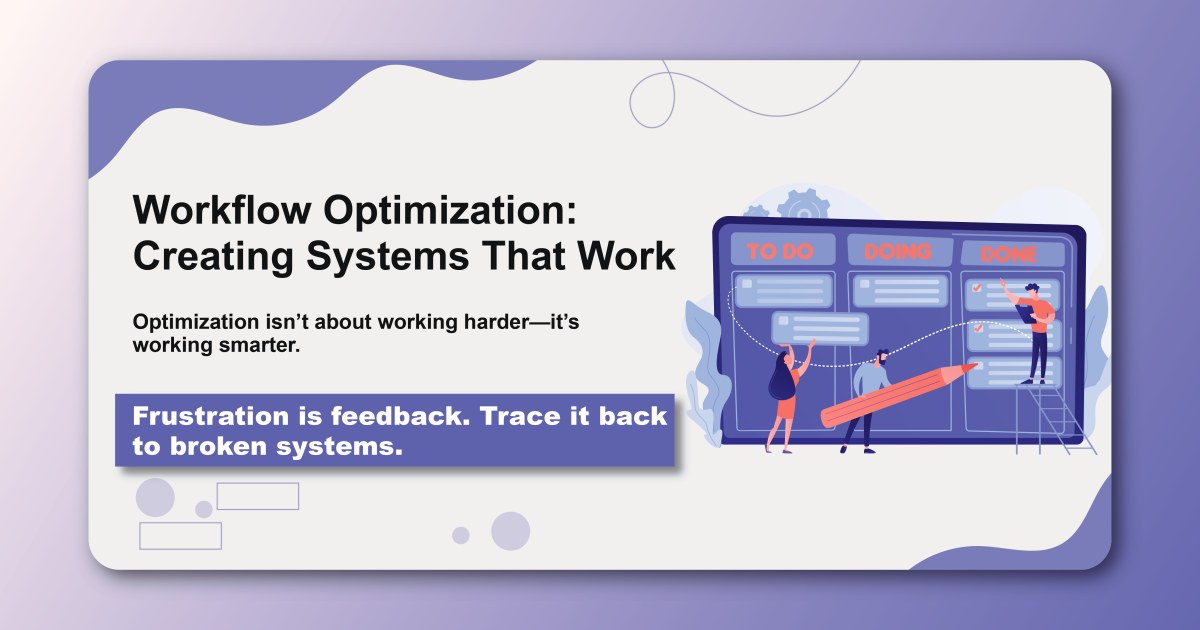
Workflow optimization isn't about working harder—it's about working smarter. When you design systems that eliminate friction, reduce waste, and create smooth flows of work, you don't just become more productive. You become more satisfied, less stressed, and more capable of focusing on what truly matters.
The best workflows feel effortless because they are. They're the result of thoughtful design, careful testing, and continuous improvement. Start with one workflow today, and begin building systems that work for you instead of against you.
Ready to optimize your workflows and create systems that work? Build and track your optimized workflows with Habityzer and transform how you approach productivity and efficiency.